LeiaPix: How to Turn Your 2D Photos into Stunning 3D Animations Online
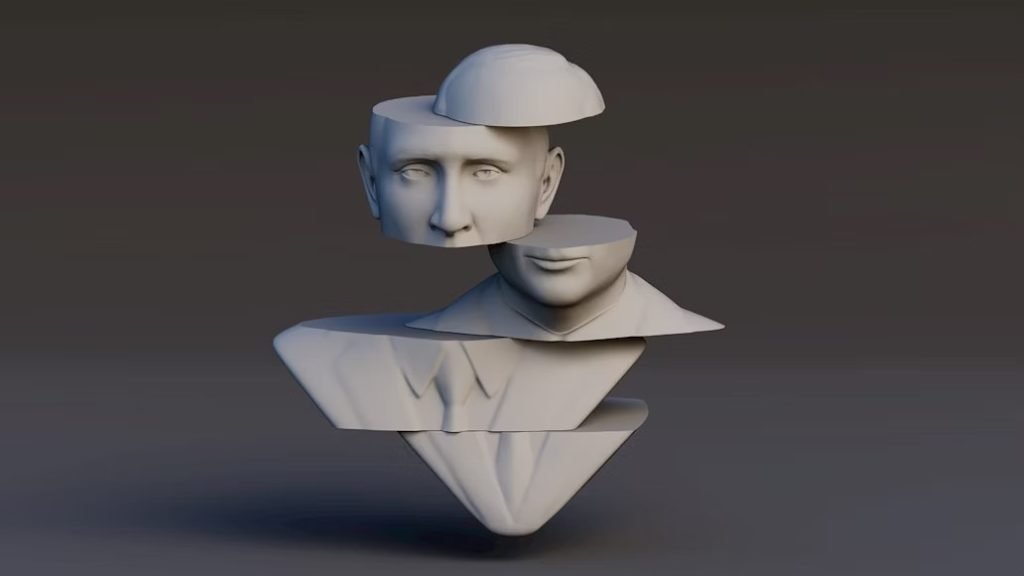
Static images alone often struggle to grab attention and that’s where LeiaPix comes in, for 3D Photo Animations.
It is an online platform designed to transform ordinary 2D photos into immersive 3D experiences.
With the use of its advanced 2D to 3D converter, LeiaPix applies smart depth mapping and animation effects to give flat images a lifelike sense of movement and perspective.
With this tool, you can create dynamic visuals that stand out on social media, websites, and presentations.
How Does LeiaPix Work
LeiaPix automatically studies every layer in your photo from foreground, mid-ground, and background to transform a still image into a smooth 3D photo animation.
Its AI-powered depth detection analyzes shapes, edges, and distances, allowing the platform to understand how objects relate within the scene.
Using this data, it builds a digital depth map that acts as the foundation for lifelike motion. Because the system works as an intelligent 2D to 3D converter, you don’t need manual editing or advanced skills to create impressive results.
Below is a simple step-by-step guide to using LeiaPix:
Step 1: Upload Your Image
Choose a clear, high-quality 2D photo. A sharper image allows the platform and its built-in AI photo enhancer capabilities to generate a more realistic 3D effect.
Step 2: Automatic Depth Mapping
LeiaPix analyzes the image and separates layers such as people, objects, and backgrounds. It then creates a depth map that assigns distance values to each part of the photo, mimicking natural perspective.
Step 3: 3D Photo Animation Generation
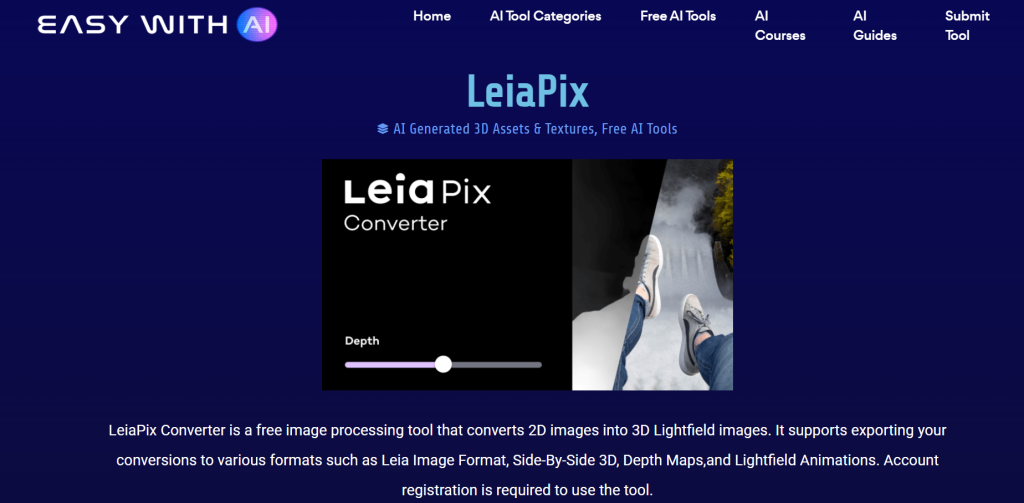
Using the depth map, LeiaPix adds smooth, camera-like movement to give your picture a dynamic 3D appearance, as though the viewer is moving through the scene.
Step 4: Customization Options
Fine-tune the effect by adjusting movement direction, speed, zoom, and depth intensity.
These controls let you create gentle motion for portraits or bold, cinematic effects for landscapes and creative visuals.
Step 5: Export and Share
When you’re satisfied, export your 3D photo animation as a GIF, MP4, or LIF file. You can share it on social platforms, websites, or use it on Leia-enabled 3D displays.
With all the technical work handled automatically, LeiaPix makes it easy for anyone that is, beginners or professionals, to turn ordinary photos into high-quality 3D photo animations without advanced tools or expensive software.
Top Benefits of Using LeiaPix
For digital creators, photographers, marketers, and artists, LeiaPix offers amazing benefits, some of which include;
- Transforms Ordinary Images into Eye-Catching 3D Content
Static photos can be beautiful, but they often struggle to stand out. With LeiaPix, these images are given a new dimension of depth and movement, turning flat visuals into dynamic 3D animations that grab attention instantly.
This is especially valuable on visual platforms like Instagram, TikTok, and Pinterest, where unique content drives higher engagement.
- Saves Time and Eliminates the Need for Complex Editing
Creating 3D animations requires advanced design tools, manual depth mapping, and lots of editing experience. With LeiaPix, the AI does all the heavy lifting.
The platform automatically analyzes your photo, builds a depth map, and applies smooth animation, reducing hours of work to just a few clicks.
This allows creators to focus more on storytelling and less on technical processes.
- Boosts Engagement and Social Media Reach
3D animations naturally draw viewers attention because of their realistic motion and visual appeal.
Posts that feature LeiaPix-created animations often stand out in crowded feeds, encouraging people to stop scrolling, watch, like, and share.
This means that this tool can help creators grow their audience, increase interaction rates, and make their content more memorable.
- Perfect for Multiple Creative Uses
LeiaPix isn’t limited to one style of content. Creators also use it for;
- Social media posts and ads that pop.
- Digital art and storytelling with enhanced depth.
- Product photography that looks more interactive.
- Portfolio pieces that showcase creativity in unique ways.
This flexibility makes it suitable across various industries.
- Accessible to Beginners and Professionals
One of LeiaPix’s biggest strengths is its user-friendly interface.
You don’t need to be a professional editor to create beautiful 3D animations.
At the same time, experienced designers can customize animations in more detail, giving them full control over the creative outcome.
It’s a perfect balance of simplicity and creative power.
- Free to Use
Unlike many advanced animation tools that require expensive subscriptions or those that take hours to process, LeiaPix is free and fast.
You can upload an image, animate it, and download the result in just minutes.
This speed is a major advantage for creators who post content often or work with tight deadlines.
Final Thoughts
LeiaPix remains a creative gateway that makes 3D storytelling accessible to everyone.
With a combination of AI-powered depth mapping with an easy-to-use interface, it allows creators to transform simple 2D photos into stunning, lifelike 3D animations in minutes.
As audiences increasingly crave unique and immersive content, tools like LeiaPix will help you stay ahead of the curve.
With just a few clicks, you can breathe life into your images and create visuals that leave a lasting impression.
Frequently Asked Questions
1. What is LeiaPix?
LeiaPix is an online platform that converts 2D images into 3D animations using AI and depth mapping technology.
It’s often used for creating eye-catching social media posts, digital art, product showcases, and interactive visuals.
2. Is LeiaPix Free to Use?
Yes, LeiaPix is completely free to use. You can upload images, create 3D animations, and export your results without paying.
3. Do I Need Editing Skills to Use LeiaPix?
No advanced skills are required. LeiaPix’s AI automatically analyzes and animates your images.
You can easily adjust depth, motion, and animation intensity with simple sliders and preview tools.
4. What Kind of Images Work Best on LeiaPix?
High-quality photos with clear foreground and background elements produce the most realistic 3D animations.
Portraits, landscapes, and product photos with good contrast and detail tend to also work fine.
5. What File Formats Can I Export My Animations In?
LeiaPix supports multiple export formats, including GIF, MP4, and LIF.