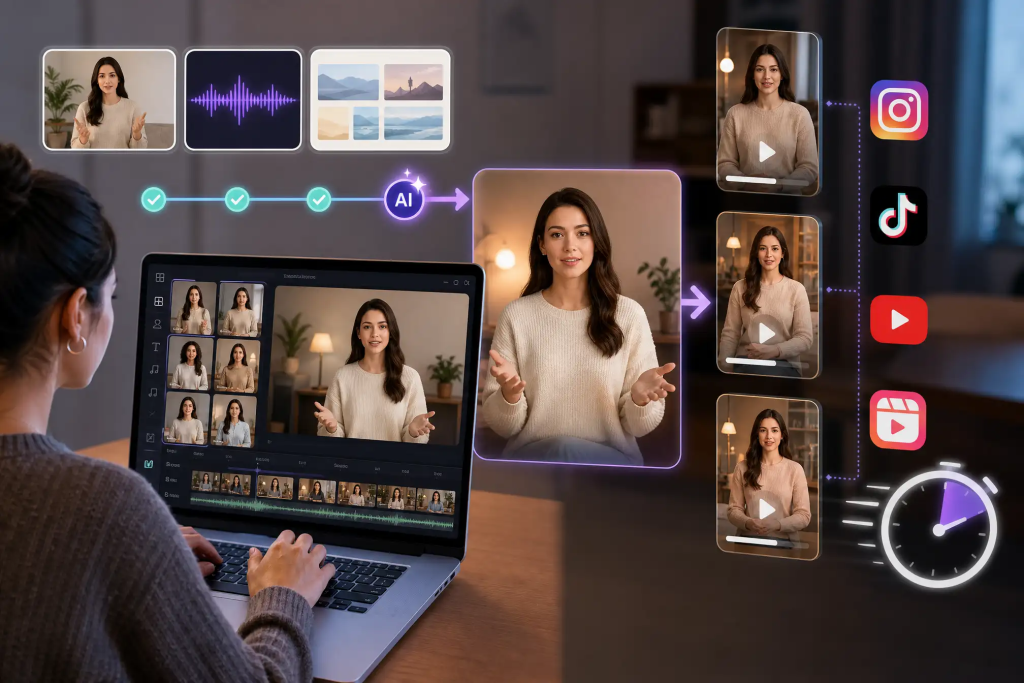
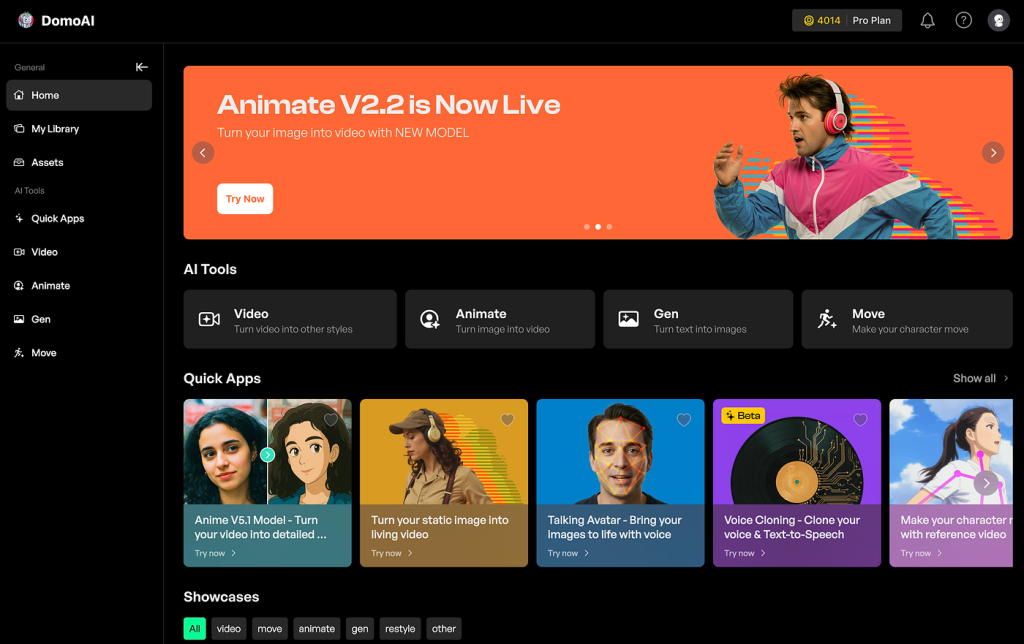
Content Creation with AI Tools: Practical Guide
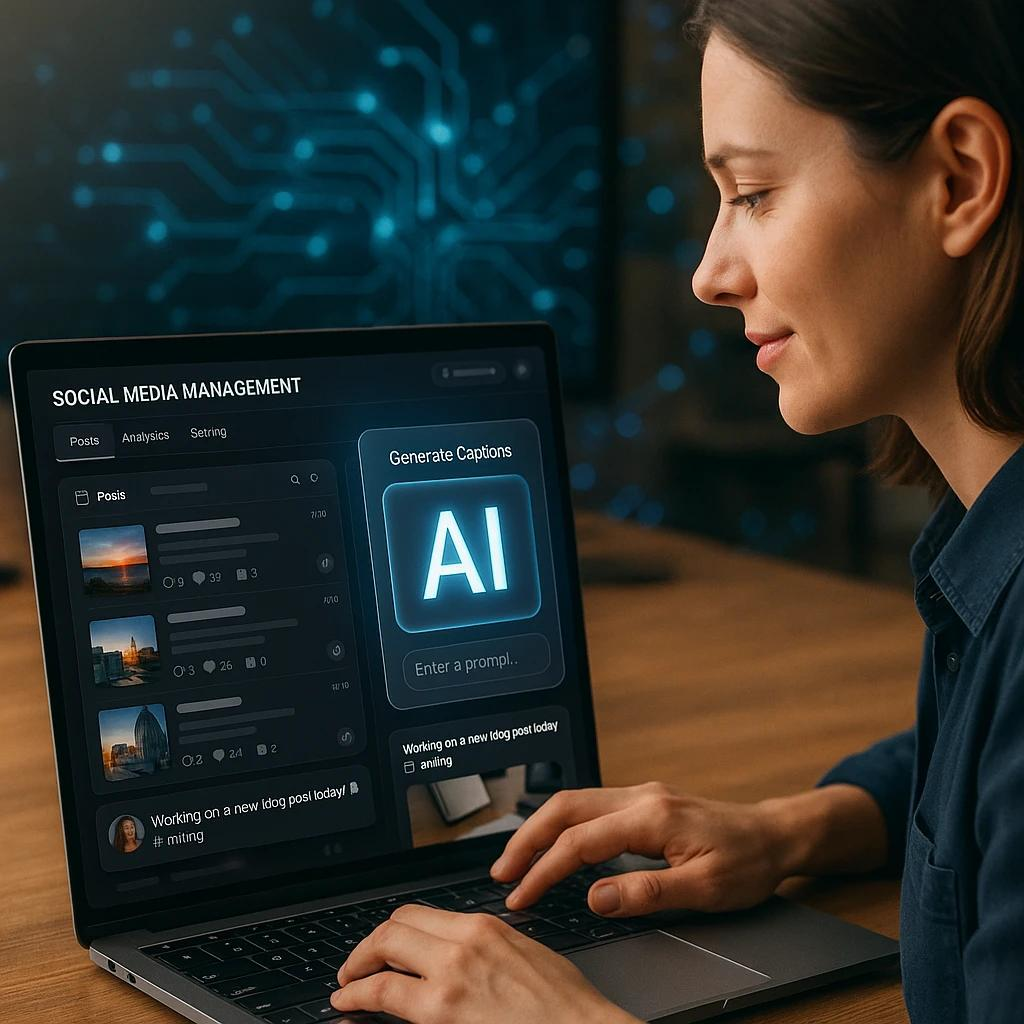
Stop designing brochures for 3 hours—AI does it in 10 minutes.
If you’re a small business owner, marketer, or freelance designer still wrestling with design software late into the night, you’re not just wasting time—you’re losing money. While you’re adjusting margins and debating font choices, your competitors are pumping out professional marketing materials at lightning speed using AI.
Here’s the reality: In 2026, manual content creation isn’t just inefficient—it’s obsolete. But here’s the problem most marketers face: they know AI tools exist, but they don’t know which ones actually work, how to use them effectively, or how to maintain quality control.
Today, I’m going to show you exactly how to transform your content creation process from a 3-hour nightmare into a 10-minute workflow. We’ll cover the best AI tools available right now, walk through a complete production workflow, and give you the quality control checklist that ensures your AI-generated content actually looks professional.
Let’s dive in.
BEST AI TOOLS FOR VISUAL CONTENT CREATION IN 2026
Not all AI tools are created equal. Some are overhyped. Others are genuinely game-changing. Here’s what actually works in 2026.
1. Canva Magic Studio (Best for Complete Beginners)
[Show Canva interface]
Canva has evolved from a simple template platform into an AI powerhouse. Their Magic Studio suite includes:
– Magic Design: Upload your brand assets, describe your project, and get 10+ complete designs in seconds
– Magic Write: AI copywriting integrated directly into your designs
– Background Remover & Magic Eraser: One-click image editing
– Brand Kit with AI: Automatically applies your brand colors, fonts, and style across all designs
Pricing: Free tier available; Pro at $120/year for teams
Best for: Social media posts, presentations, simple brochures, and quick marketing materials
Limitation: Less control over granular details; templates can feel the same if not customized
2. Adobe Firefly (Best for Professional Design Control)
[Demonstrate Firefly integration]
Adobe’s AI engine is built into Photoshop, Illustrator, and Express. Key features:
– Generative Fill: Add, remove, or replace elements in images with text prompts
– Text to Image: Create custom graphics from descriptions
– Generative Recolor: Instantly generate color palette variations for vector graphics
– Text Effects: Transform typography with AI-generated textures and styles
Pricing: Included with Creative Cloud ($54.99/month); standalone Firefly credits available
Best for: High-end brochures, print materials, detailed brand assets, professional photography editing
Limitation: Steeper learning curve; requires basic design knowledge
3. Midjourney v7 (Best for Custom Illustrations & Concept Art)
[Show Midjourney gallery]
While Midjourney is primarily known for artistic images, it’s incredibly powerful for marketing materials:
– Hyper-realistic product mockups: Create product photography without a photographer
– Custom illustrations: Unique graphics that set your brand apart
– Background scenes: Professional settings for product placement
– Style consistency: Use style references to maintain brand visual identity
Pricing: $10/month basic, $30/month for commercial use
Best for: Unique brand imagery, product mockups, hero images, distinctive marketing visuals
Limitation: Requires prompt engineering skills; no direct editing tools
4. ChatGPT-4 + DALL-E 3 (Best for Integrated Copy & Visuals)
[Split screen: ChatGPT and image generation]
The combination of ChatGPT for copywriting and DALL-E for image generation creates a complete content workflow:
– Write brochure copy, taglines, and ad text with ChatGPT
– Generate complementary visuals with DALL-E in the same conversation
– Iterate on both copy and visuals simultaneously
– Export to your design tool of choice
Pricing: $20/month for ChatGPT Plus (includes DALL-E)
Best for: Initial concept development, brainstorming, copy-heavy materials, rapid iteration
Limitation: DALL-E images may require additional editing; best used as starting points
5. Jasper AI + Jasper Art (Best for Marketing Teams)
[Show Jasper dashboard]
Built specifically for marketers, Jasper offers:
– Marketing-specific templates (ads, emails, landing pages)
– Brand voice training for consistent messaging
– Integrated art generation
– Team collaboration features
– SEO optimization tools
Pricing: Starting at $49/month
Best for: Marketing agencies, teams managing multiple brands, content at scale
Limitation: Higher price point; may be overkill for solo entrepreneurs
WORKFLOW FOR PRODUCING PROFESSIONAL BROCHURES, SOCIAL POSTS, AND ADS
[TRANSITION: “Now let’s put this into practice”]
Theory is nice, but you’re here for results. Let me walk you through the exact workflow I use to create professional marketing materials in minutes, not hours.
THE 10-MINUTE BROCHURE WORKFLOW
[SCREEN RECORDING: Follow along demonstration]
Step 1: Define Your Objective (60 seconds)
Before touching any tool, answer:
– What’s the goal? (Promote a sale, introduce a service, generate leads)
– Who’s the audience? (Demographics, pain points)
– What’s the key message? (One sentence maximum)
Example: “Promote our new eco-friendly cleaning service to environmentally conscious homeowners who value convenience.”
Step 2: Generate Copy with AI (2 minutes)
[Open ChatGPT]
Prompt template:
Create brochure copy for [your product/service].
Target audience: [description]
Key benefits: [list 3-5]
Tone: [professional/friendly/urgent]
Include: headline, 3 benefit sections, call-to-action
Limit: 150 words total
[Show output]
Review and edit for accuracy. AI gets you 80% there—you provide the final 20% with brand-specific details.
Step 3: Generate Visuals (3 minutes)
Option A: Using Canva Magic Design
1. Open Canva → Magic Design
2. Upload your logo and any product images
3. Paste your copy from Step 2
4. Select “Brochure” as format
5. Review the 10+ generated designs
6. Select your favorite and customize colors/fonts to match brand
Option B: Using Midjourney + Canva
1. Generate custom hero image in Midjourney:
/imagine eco-friendly cleaning products in modern kitchen, bright natural lighting, professional photography style, clean aesthetic –ar 16:9 –v 6
2. Download image
3. Open Canva brochure template
4. Replace stock photo with your Midjourney image
5. Add your copy from Step 2
[Show both results side by side]
Step 4: Refine and Brand Consistency (3 minutes)
[Zoom in on details]
– Apply brand colors exactly (use hex codes, not “close enough”)
– Replace generic fonts with your brand fonts
– Ensure logo placement follows brand guidelines
– Check spacing and alignment (AI sometimes gets this wrong)
– Verify all text is readable at print size
Step 5: Export and Review (1 minute)
– Export as PDF for print (300 DPI minimum)
– Export as PNG for digital use
– Send to one colleague for fresh-eyes review
– Make final adjustments if needed
[SHOW CLOCK: 10 minutes elapsed]
That’s it. Professional brochure done.
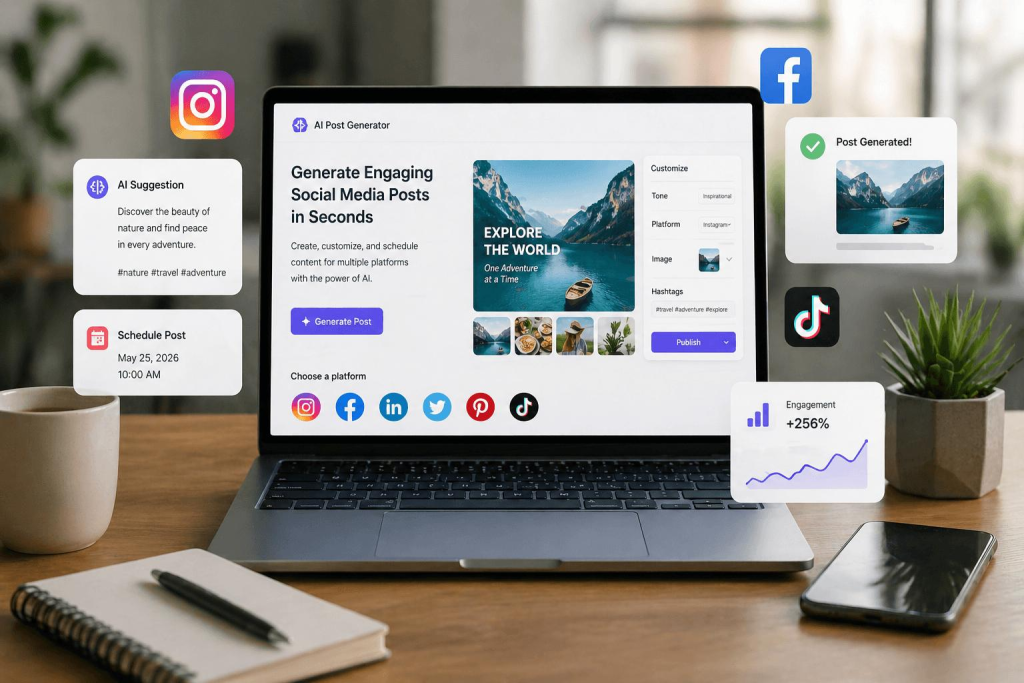
BONUS: SOCIAL MEDIA POST WORKFLOW (5 MINUTES)
[Quick demonstration]
1. ChatGPT: Generate 5 post variations with hashtags (1 min)
2. Canva Magic Design: Create matching graphics (2 min)
3. Refinement: Adjust for platform specs (Instagram square vs. LinkedIn landscape) (1 min)
4. Schedule: Load into your social media scheduler (1 min)
[Show final grid of posts]
Five different posts, ready to go, all optimized for engagement.
BONUS: FACEBOOK AD WORKFLOW (7 MINUTES)
[Split screen]
1. Jasper AI: Generate ad copy with multiple headline variations (2 min)
2. Adobe Firefly: Create eye-catching product image with generative fill (3 min)
3. Canva: Combine in ad template with proper text overlay (1 min)
4. Export: Download in all Facebook ad sizes (1 min)
[Show completed ad set]
Ready to upload and test.
QUALITY CONTROL TIPS TO ENSURE AI-GENERATED CONTENT MATCHES BRAND STANDARDS
[TRANSITION: “Here’s the critical part most people skip”]
AI is powerful, but it’s not perfect. The difference between amateur AI content and professional AI-enhanced content is quality control.
THE PRE-FLIGHT CHECKLIST
[Show checklist overlay]
1. Brand Consistency Check
Colors match brand palette exactly (not approximations)
Fonts are from approved brand font list
Logo is current version and properly sized
Tone of voice matches brand guidelines
Visual style aligns with existing marketing materials
Pro tip: Create a brand board in your AI tool with exact hex codes, approved fonts, and logo files. Reference it for every project.
2. Accuracy Verification
All facts, stats, and claims are verified
Contact information is current
Pricing is accurate
Legal disclaimers are included where required
Product specifications are correct
Common AI mistakes: Hallucinating statistics, outdated information, generic placeholder text that slipped through.
[Show example of AI error]
Always fact-check AI-generated content. It’s confident, but not always correct.
3. Image Quality Standards
Resolution is appropriate (300 DPI for print, optimized for web)
No obvious AI artifacts (weird fingers, distorted backgrounds, unnatural shadows)
Images are contextually appropriate
Licensing is clear (commercial use rights confirmed)
Accessibility considered (sufficient color contrast, alt text ready)
Pro tip: Always upscale AI images before using in print. Use tools like Topaz Gigapixel AI or Adobe’s Super Resolution.
4. Copy Quality Standards
No generic AI phrases (“revolutionize,” “game-changer,” “cutting-edge” without substance)
Active voice preferred over passive
Specific benefits, not vague claims
Appropriate reading level for audience
Call-to-action is clear and compelling
[Show before/after comparison]
Before: “Our innovative solutions leverage cutting-edge technology to transform your business paradigm.”
After: “Save 15 hours per week with automated reporting that your team can set up in 10 minutes.”
Specific. Measurable. Human.
5. The Human Review Process
[Serious tone]
Here’s my non-negotiable rule: No AI content goes live without human review.
Even with perfect prompts:
– AI doesn’t understand your company culture
– AI doesn’t know your current business priorities
– Also, AI doesn’t catch offensive or inappropriate content in all contexts
– AI doesn’t understand nuanced customer sensitivities
My review process:
1. Self-review: Check against brand guidelines (2 minutes)
2. Colleague review: Fresh eyes catch what you missed (5 minutes)
3. Test audience: Show to 1-2 people from target demographic if possible (optional but powerful)
COMMON AI CONTENT RED FLAGS
[Warning overlay]
Overly generic messaging that could apply to any company
Stock photo aesthetic without customization
Inconsistent visual style across multiple pieces
Repetitive phrasing (AI loves certain sentence structures)
Missing emotional connection (too corporate, too robotic)
Obvious AI art tells (symmetrical faces, weird text rendering, surreal backgrounds)
[Show examples]
If you see these, iterate. Don’t settle.
ELEVATING AI CONTENT FROM GOOD TO GREAT
[Upbeat transition]
The checklist gets you to “professional.” Here’s how to get to “exceptional.”
Add the human touch:
– Include real customer quotes or testimonials
– Use actual product photos alongside AI-generated imagery
– Inject brand personality (humor, warmth, urgency—whatever fits)
– Reference current events or timely context
– Include employee voices or behind-the-scenes elements
[Show comparison: AI-only vs. AI + human touches]
The difference is subtle but powerful. The second version feels authentic.
CONCLUSION: YOUR NEW CONTENT CREATION REALITY
[BACK TO OPENING SCENE: Designer now relaxed, content published, clock showing 15 minutes]
Let’s recap what we’ve covered:
The Tools: Canva for speed, Adobe for control, Midjourney for uniqueness, ChatGPT for copy, Jasper for marketing teams. Choose based on your needs and skill level.
The Workflow: Define objective → Generate copy → Create visuals → Refine branding → Export and review. 10 minutes for a brochure. 5 minutes for social posts. 7 minutes for ads.
The Quality Control: Brand consistency, accuracy verification, image standards, copy quality, and mandatory human review. The checklist is your safety net.
The Bottom Line: You’re not replacing creativity with AI. You’re replacing tedious execution with AI. Strategy, brand voice, emotional connection, quality control—that’s still you. The difference is you’re spending your time on high-value creative decisions, not wrestling with design software.
Three hours to create a brochure? That’s over. Ten minutes is your new reality.
Now stop watching and start creating. Pick one tool from today’s list, set a timer for 10 minutes, and prove to yourself this works.
Your marketing materials won’t create themselves—but with AI, they pretty much will.
[END SCREEN: Links to tools + downloadable checklist]
CALL TO ACTION
Ready to transform your content workflow? Download our free AI Content Creation Checklist and prompt template library. Link in the description.
What AI tool are you trying first? Drop a comment below.
And if this saved you hours of work, subscribe for more practical AI workflows every week.
Now go create something amazing—in 10 minutes or less.
[FADE OUT]
Frequently Asked Questions
Q: Do I need design experience to use these AI tools?
A: No. Tools like Canva Magic Studio are specifically built for non-designers and provide templates and automated layouts. You’ll need to understand basic branding principles (your colors, fonts, and messaging), but technical design skills aren’t required. Start with Canva if you’re a complete beginner, then graduate to Adobe Firefly as you gain confidence.
Q: Will AI-generated content look generic or obviously AI-made?
A: Only if you skip the customization step. Raw AI output often looks generic, but when you apply your brand colors, fonts, real product images, and custom copy, it becomes distinctly yours. The key is using AI as a starting point (80% of the work), then adding your brand identity and human touch (the final 20%). The quality control checklist in Act 3 ensures your content looks professional, not robotic.
Q: How much do these AI tools cost for a small business?
A: You can start completely free with Canva’s free tier and ChatGPT’s free version. For professional results, budget $20-50/month: ChatGPT Plus ($20/month) for copy and basic images, Canva Pro ($10/month), or Midjourney ($10/month for basic). Adobe Creative Cloud ($54.99/month) is the premium option if you need advanced design control. Most small businesses find the $20-30/month range provides everything they need.
Q: Can I use AI-generated content for commercial purposes legally?
A: It depends on the tool. Canva Pro, Adobe Firefly (with paid plan), Midjourney (with standard or pro plan), and ChatGPT Plus all grant commercial usage rights to content you create. Always verify the current terms of service for your specific plan. Free tiers often restrict commercial use. For client work or business materials, invest in the paid plans to ensure you have proper licensing.
Q: How do I maintain brand consistency across AI-generated materials?
A: Create a brand kit in your AI tool with exact hex color codes, approved fonts, logo files, and example designs. In Canva, use the Brand Kit feature. In ChatGPT, create a custom GPT with your brand voice and guidelines. Always reference this kit for every project. The brand consistency checklist in Act 3 is your quality control—check colors, fonts, logo, tone, and visual style against your established guidelines before publishing anything.